
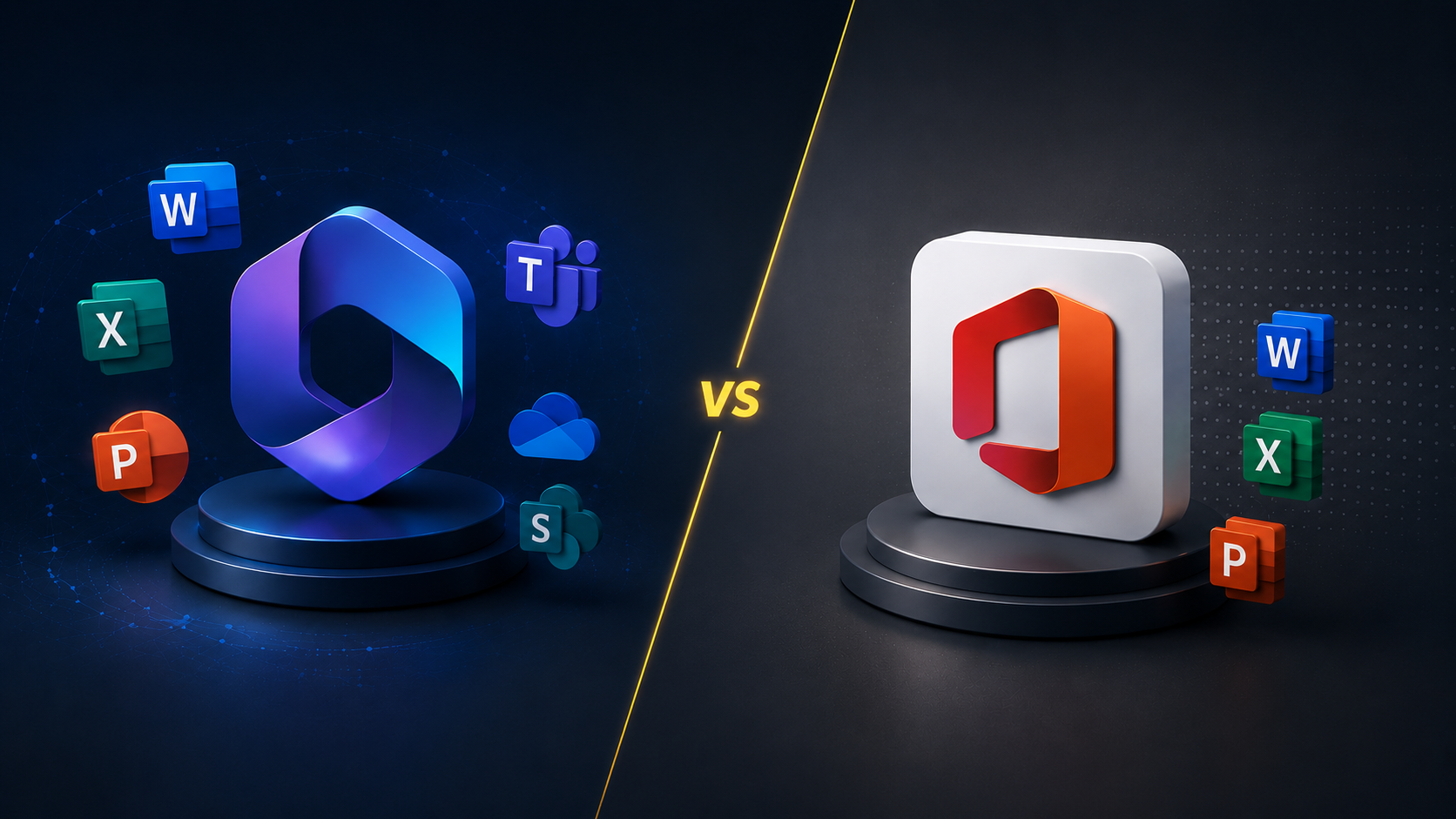
Productivity tools play a major role in how efficiently your team communicates, shares files, and completes daily work. Microsoft continues to be one of the most trusted names in business productivity, offering familiar applications such as Microsoft Word, Excel, and PowerPoint that many companies already rely on.
But because Microsoft offers a wide range of solutions, businesses today often face one important question: Should you choose Microsoft 365 or Office 2024? While both platforms include the essential productivity apps teams use every day, the way they handle updates, collaboration, storage, accessibility, and long-term costs differs significantly. Let’s break down which one is the best fit for your business.
What is Microsoft 365 for Business?
Microsoft 365 is a cloud-based subscription service that gives businesses access to productivity software, collaboration tools, storage solutions, and advanced management capabilities. Instead of buying software outright, organizations pay a recurring subscription fee, either monthly or annually, for each user.
Key features in Microsoft 365 subscriptions include:
- 1TB OneDrive cloud storage per user, which can be increased to 5TB per user for enterprise subscriptions
- Access on multiple devices with a connected Microsoft account
- Collaboration platforms such as Microsoft Teams and SharePoint
- Real-time coauthoring and online collaboration
- AI-powered features and intelligent productivity enhancements
- Frequent security updates and new features
- Advanced security and centralized administrative controls
- Microsoft support and business-focused support resources
What is Microsoft Office 2024?
Microsoft Office 2024 takes a more traditional approach with perpetual licenses. Instead of paying recurring subscription fees, businesses purchase fully installed desktop apps through a one-time purchase.
Businesses that opt for Office 2024 get:
- Traditional standalone versions of core Office apps (i.e., Word, Excel, and PowerPoint)
- Software licensed to one computer or a specific licensed device
- Essential security patches and maintenance updates
While Office 2024 provides a capable productivity suite, many of the modern cloud integrations, collaborative features, and ongoing enhancements remain exclusive to the Microsoft 365 subscription service.
Microsoft 365 vs. Office 2024: Which option is ideal for businesses?
The answer depends heavily on how your organization operates. Some businesses prioritize flexibility and collaboration, while others simply want dependable software with no recurring expenses. Here are the biggest key differences businesses should evaluate.
Cost and value
Cost often becomes the first comparison point in the debate around Microsoft 365 and Office 2024.
Office 2024 requires a higher up-front cost because businesses purchase licenses outright at full price. After the initial payment, there are no monthly billing obligations tied to the software itself. Companies that dislike recurring software expenses may prefer paying once and only upgrading for the next major release instead of managing subscription renewals.
Microsoft 365, on the other hand, operates under a subscription service structure with ongoing monthly or yearly charges. Those ongoing subscription costs may appear higher over time, especially for growing teams.
Still, many organizations see value in the included subscription benefits, such as:
- Continuous updates
- Access to premium features
- Cloud storage inclusions
- Collaboration systems
- Expanded security tools
- Built-in backup capabilities
- Business-grade communication services
For companies scaling quickly or supporting remote employees, the subscription often delivers more overall value than purchasing software licenses that come with essential but limited features.
Setup and configuration
Deployment style matters, especially for organizations with lean IT resources. Office 2024 generally offers a simpler installation experience for small teams working primarily offline. Software installs directly onto a specific device and remains tied to that hardware.
Microsoft 365 introduces more flexibility but also increased administrative complexity, requiring IT teams to manage user permissions, device access, data policies, and software deployment through centralized dashboards. Businesses with larger teams, multiple locations, or hybrid employees often appreciate the platform’s centralized management capabilities and cloud-based ecosystem.
Technical support and feature updates
Microsoft 365 subscribers receive a steady stream of feature updates, workflow enhancements, and productivity improvements. This model ensures that modern businesses, particularly those reliant on remote work, always have access to the latest tools and advancements, such as new AI features, as soon as they are released.
Meanwhile, Office 2024 follows a slower release cycle. Microsoft provides important security updates and maintenance improvements, but major additions usually wait until the next standalone version arrives. Companies that value stability over constant change may appreciate that slower pace.
Online accessibility and device flexibility
If your team needs to collaborate across multiple devices or access files remotely, Microsoft 365 shines with its ability to sync and share files across mobile apps, desktops, and web platforms. Microsoft 365 also ensures that your business can access cloud storage and collaboration tools such as Microsoft Teams from virtually anywhere. But if your business doesn’t require constant online access or multi-device flexibility, Office 2024 is a better fit.
Security updates and protection requirements
For businesses handling sensitive data or facing security regulations, Microsoft 365 offers more robust advanced security features, including multifactor authentication, automated threat protection, and centralized management. Office 2024 provides basic security patches, but lacks the comprehensive security infrastructure found in Microsoft 365. Businesses that don’t require such stringent security measures such as small startups or freelancers may be able to get by with Office 2024, but larger organizations and those in heavily regulated industries should strongly consider the added security of Microsoft 365.
Local and cloud storage needs
When it comes to storage, businesses must consider how they manage files, ensure data safety, and handle backups. Microsoft 365 offers cloud storage through OneDrive, enabling automatic syncing and secure storage across multiple devices. This reduces the risk of data loss, as files are backed up in the cloud, providing redundancy and easy recovery.
On the other hand, Office 2024 is more focused on local file storage. Files are stored directly on the device and need manual backups, meaning businesses will have to rely on their own backup systems to prevent data loss in case of hardware failure. For businesses that don’t need cloud features or prefer working offline, Office 2024 may be sufficient.
Choose the right Microsoft platform for your business with the help of an IT expert
The right decision ultimately depends on your workflows, budget structure, security expectations, and growth plans. If you’re still uncertain about which Microsoft productivity suite your business needs, Birdseye helps business users evaluate productivity platforms, optimize IT environments, and build solutions that align with long-term operational goals. Contact our team today to discuss the best Microsoft platform for your organization.